- 1
Click into a text field
The cursor blinks where you want to write.
- 2
Hold Ctrl + Win and speak
Music gets quieter and an indicator appears at the bottom.
- 3
Let go. Done.
The text is inserted, punctuation included.
Keep scrolling ↓
Hold a key, say what you need and let go. The text appears wherever your cursor is: in Slack, email, Jira or an AI chat. A free alternative to Wispr Flow for Windows and Mac. Works in Czech, English and 90+ languages.
$0 a month. No subscription, no account, no word limit.
The cursor blinks where you want to write.
Music gets quieter and an indicator appears at the bottom.
The text is inserted, punctuation included.
Keep scrolling ↓
Most people type around 40 words per minute and speak around 150. A Stanford University study found that dictating is about three times faster than typing, even with corrections.
If you write 2,000 words a day, you save 34 minutes a day. That is 12 hours a month.
A typical work email has about 100 words, a Slack reply 20 to 40. The calculation adds 20% extra time for checking the transcript.
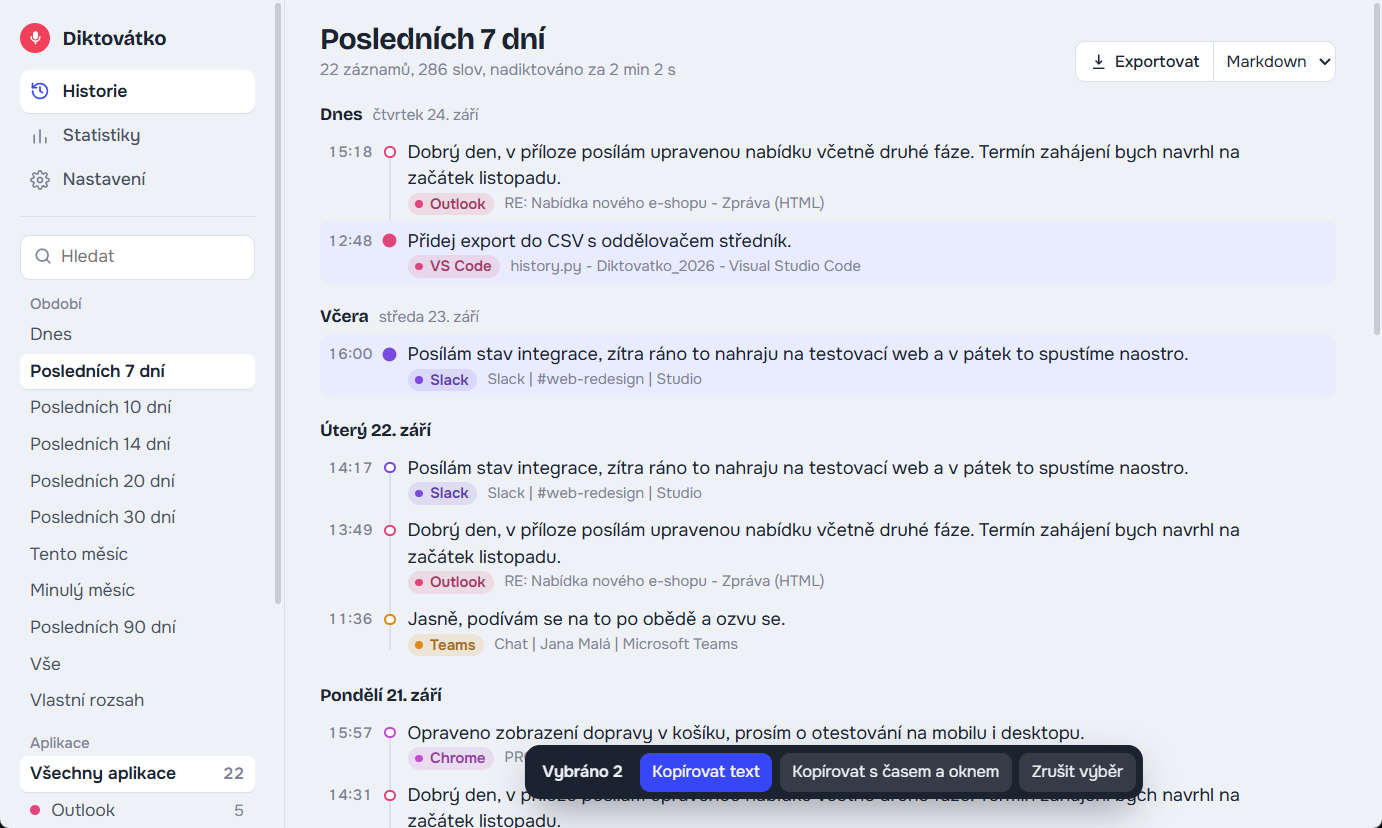
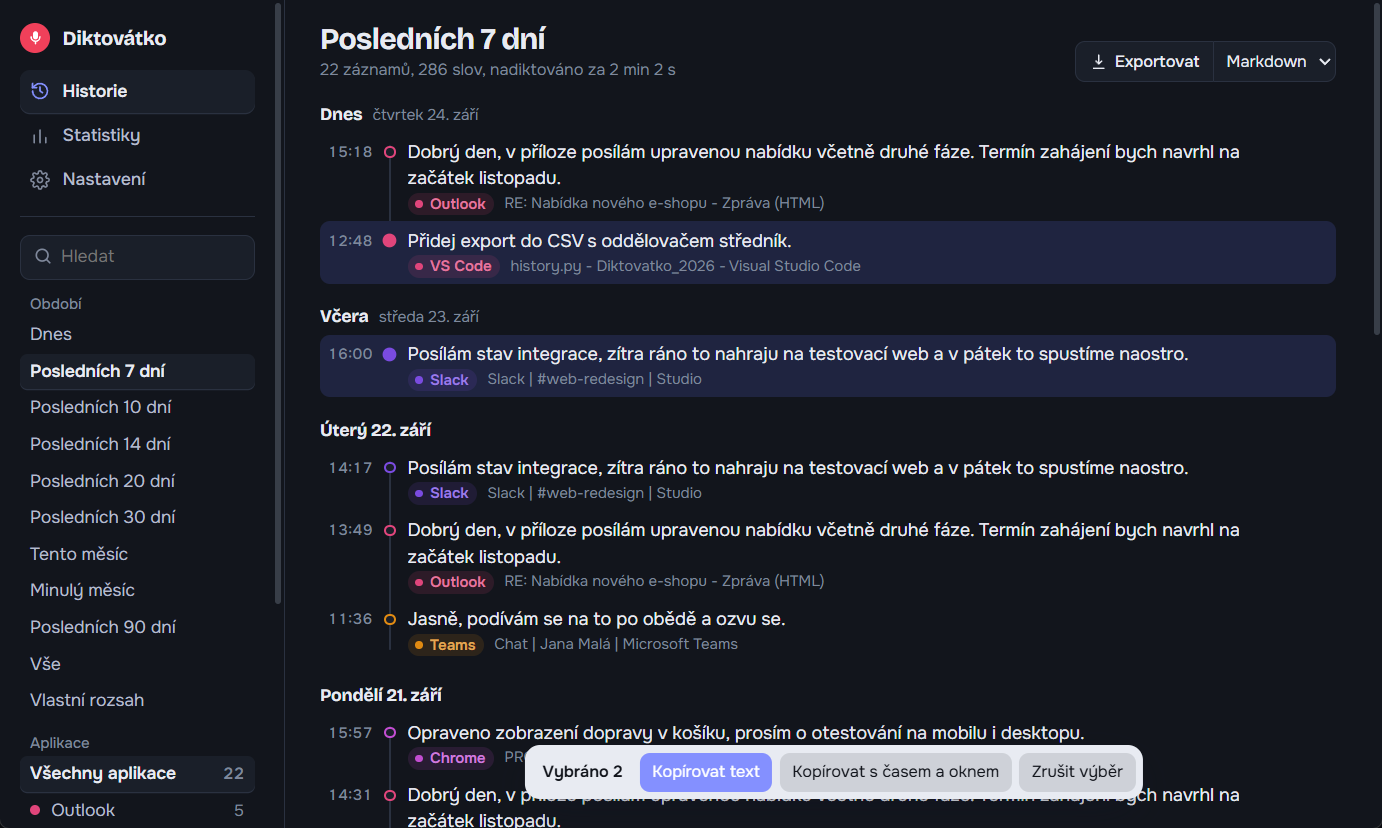
Every transcript stays on your computer, with the time and the window it went to. At the end of the month you have a record of what you worked on.
Spotify and videos drop to a tenth of their volume while you dictate, then come back.
Transcribe offline on your computer, or in a second via Groq with your own free key.
Ctrl + Win by default, Ctrl + ⌘ on a Mac. It does not get in the way of common shortcuts like Ctrl+C.
Silence is never sent for transcription, so you will not get invented sentences like “Thanks for watching!”.
When a new version is out, Diktovátko lets you know. One click, and your settings, key and history stay.
Free and open source. No account, no word limit, no monthly plan.
Paid dictation apps charge a subscription every month. Diktovátko is open source and free. No card, no account, and no counting how many words you have left.
Without a key, Diktovátko transcribes on your computer. It works right away, but transcription takes about as long as the recording. With a free key from Groq, the text is ready in about a second.
The key is yours alone. Every user creates their own, it is stored only on your computer, and you shouldn't send it to anyone. If it leaks, delete it at console.groq.com and create a new one. The free tier covers hours of dictation a day, and without a card on file you are never charged.
Diktovátko can transcribe in two ways. With a saved key, you switch between them with one click right in the indicator.
While you dictate, the indicator shows a label on the right. One click decides whether the recording goes to the cloud or stays on your computer. It applies right away, even to the sentence you are saying, and your key stays saved. Try clicking the label.
Cloud · fast: transcribed by Groq, ready in about a second.
With a key, the recording of your voice is sent to Groq servers in the USA and turned into text there. Don't dictate anything that must not leave your company this way: passwords, client personal data, health information or confidential contracts. For sensitive content, switch the indicator to Local · slow and transcription runs offline. Your dictation history is stored only on your computer in both modes.
All you need is Python and the downloaded ZIP. The detailed guide walks you through it step by step.
install.bat.start.bat. The icon appears next to the clock.When installing Python, tick “Add python.exe to PATH”.
install.command.start.command and allow access to the microphone and keyboard.The Mac version is new. Permissions step by step
For the fastest transcription, create your own free key at console.groq.com and paste it into Settings in the app (how to do it). Without a key, transcription runs offline.
Diktovátko keeps evolving. Here is what arrived in the app most recently.
I build Diktovátko in my free time and it stays free, with no subscription and no ads. If it helps you, you can chip in for a coffee. For me as the maker, a coffee is a boost to catch a fresh flow and work in new ideas, such as the Mac version, Android or new features.
Support on Ko-fiKo-fi opens in a new window. One-off, no account needed.